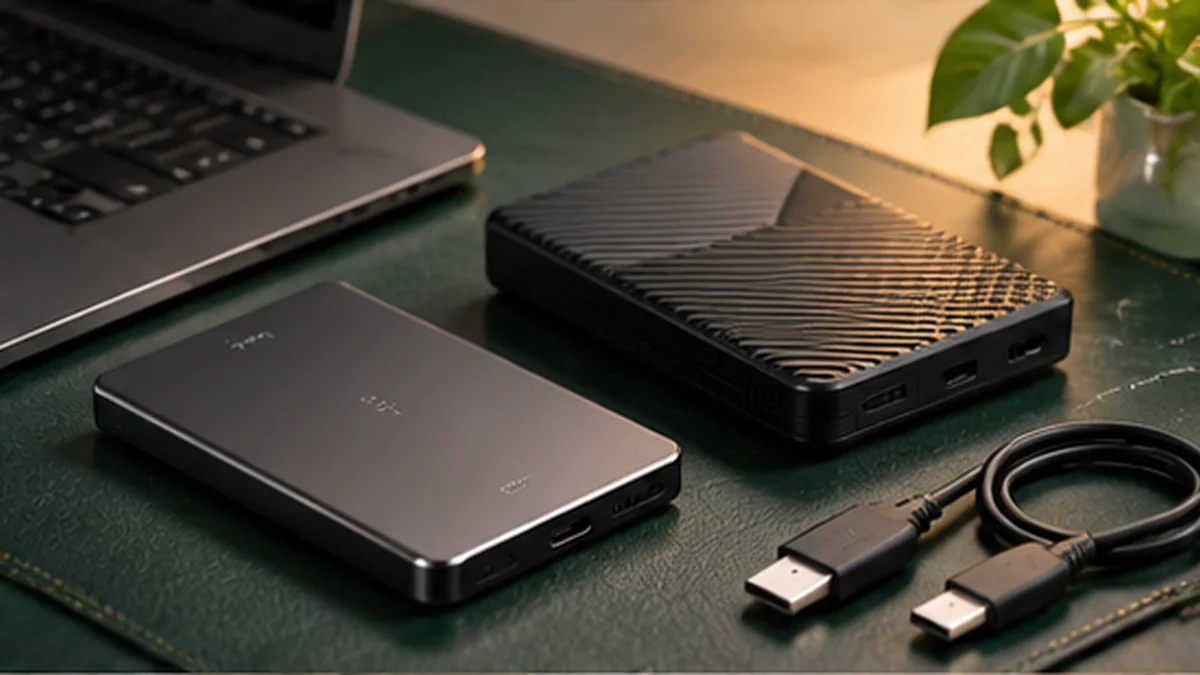
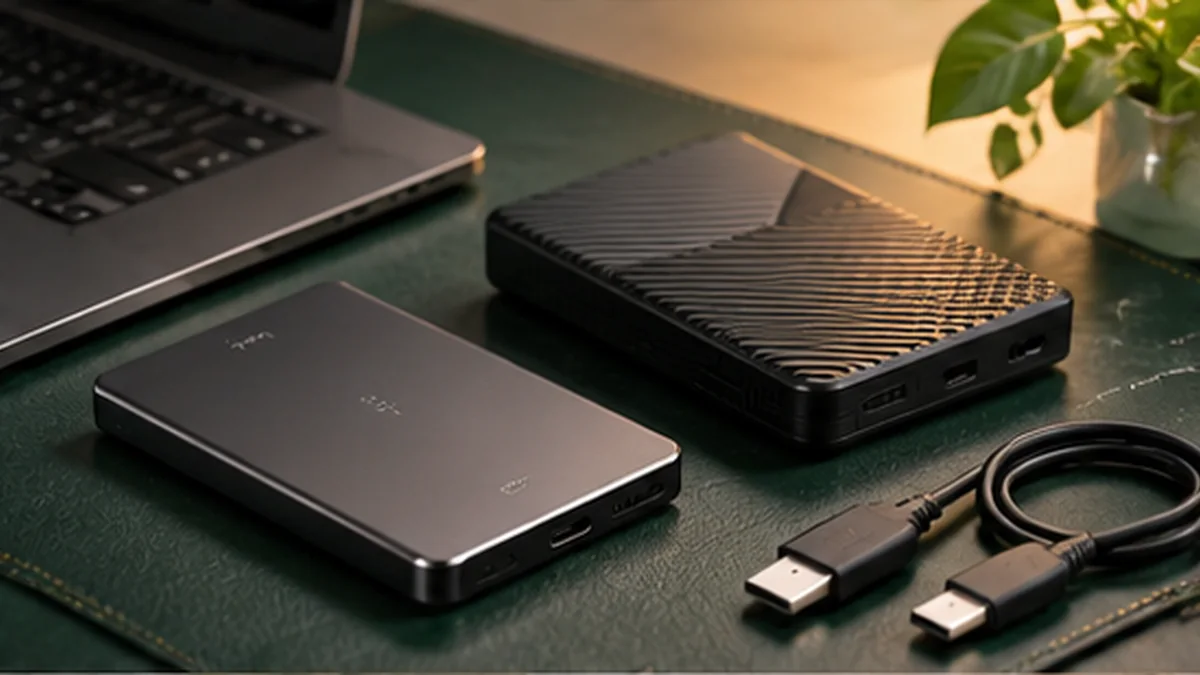
A 4 TB external SSD can be useful for photographers and large-file transfers, but buying a high-performance tier does not guarantee its benefit. The host port, cable or source drive may be the bottleneck.
Price and availability at the retailer · We may earn a commission on qualifying purchases.
Key specifications
| Brand | SanDisk |
|---|---|
| Type | External SSD |
| Capacity | 4 TB |
| Recorded connection | USB-C |
What the listing tells us
The record identifies SanDisk Extreme Pro 4 TB and USB-C connectivity. We do not publish an unverified speed for the specific model. Check model number, USB standard and actual host-port speed; connector shape alone does not determine throughput.
Value in use
If you frequently move large files, an SSD may be more useful than a mechanical drive. For infrequently accessed archives, an HDD of similar capacity may be more economical. Compare cost per terabyte and delivered price.
Who is it for and what should you check?
Check manufacturer firmware support and model-specific warranty, and keep an independent backup before moving important files or updating firmware. Never use this or any storage medium as the sole copy of your data.
Assess capacity and performance before paying
You may not need 4 TB if your typical project is much smaller. Review current file size and growth, and allow reasonable working space rather than buying unused capacity. If speed is the reason to upgrade, compare your current transfer time against your host capabilities. Do not treat advertised peak speeds as a benchmark on your device, and check model-specific support notices before trusting it with important work.
Options to compare
Not a ranking; choose according to your needs and confirmed specifications.
| Option | What to consider |
|---|---|
| SanDisk Extreme Pro external SSD, 4 TB | Large-capacity USB-C storage option; verify host port speed, device support, warranty and firmware updates. |
| Toshiba Canvio Flex external HDD, 4 TB | Large capacity for archives and backups; verify filesystem compatibility and keep more than one copy of your data. |
Frequently asked questions
Do I need a specific USB-C port?
Check supported transfer standards for model, port and cable; the connector alone guarantees no particular speed.
Does the drive replace backups?
No. Keep an independent copy of important files even with a new drive.
Calculate value before buying
Convert decimal GB to MB, TB and binary GiB.
Storage unit converter ↗Source and editorial method
This guide draws on published product specifications, selection criteria and value for intended use. Consult the source below for details, current pricing and availability.
Amazon product listing (source) Affiliate · Editorial policy