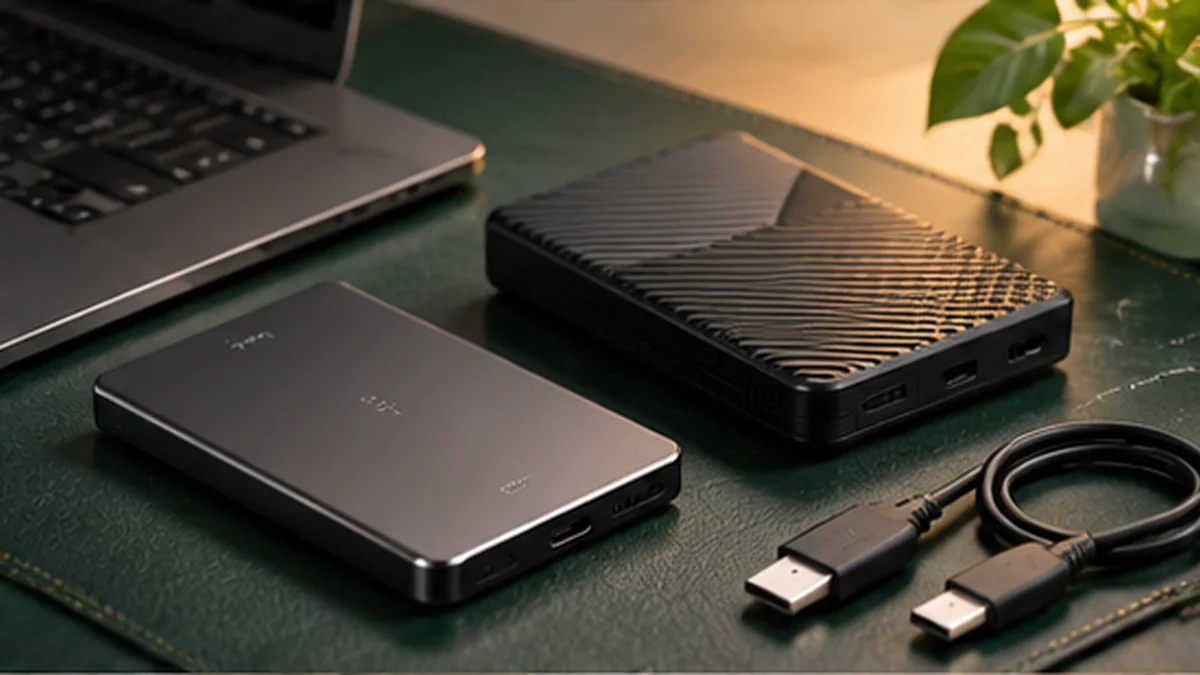
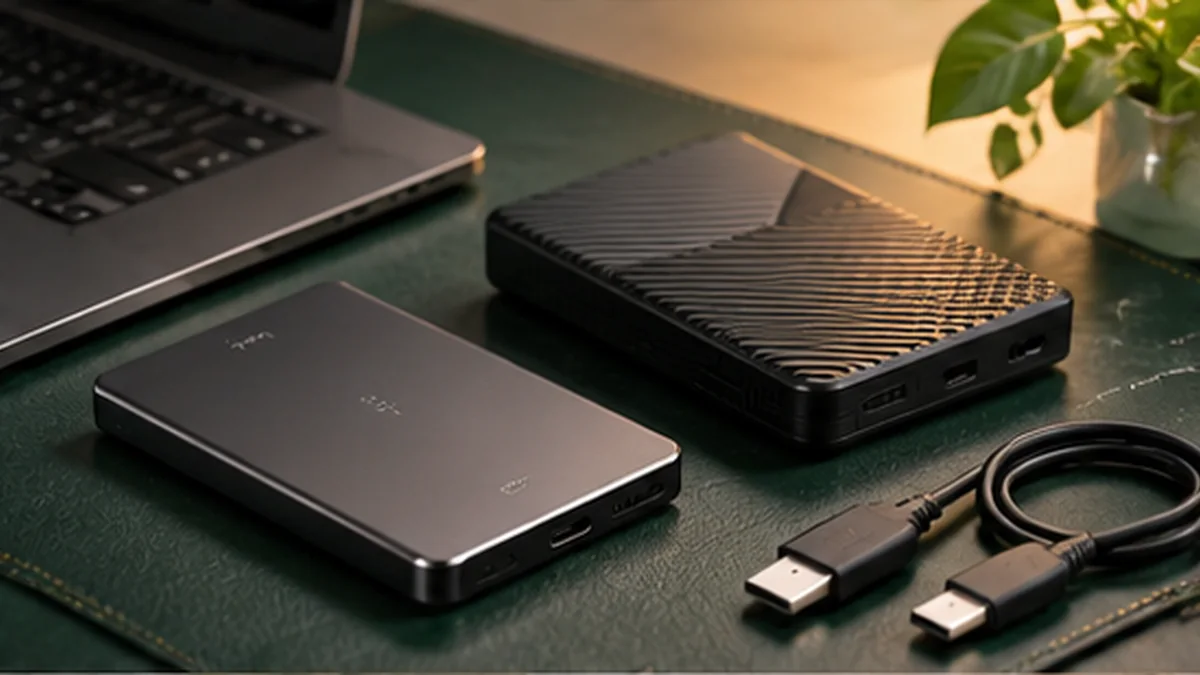
For old photos and large archives, capacity and cost per terabyte can matter more than peak transfer speed. An external HDD remains worth comparing for archives that do not need constant transfers.
Price and availability at the retailer · We may earn a commission on qualifying purchases.
Key specifications
| Brand | Toshiba |
|---|---|
| Type | External HDD |
| Capacity | 4 TB |
| Compatibility | Check model and filesystem |
What the listing tells us
The catalog identifies Toshiba Canvio Flex 4 TB. Confirm model number, included cables and operating-system support. We do not assume a particular filesystem or that all devices work without reformatting.
Value in use
If you carry the drive frequently or work directly with large video files, compare with an SSD. Mechanical drives are more susceptible to shocks during operation and are better suited to stable desktop use than movement while working.
Who is it for and what should you check?
Plan backup before buying: maintain an independent copy and periodically test file access. If formatting is needed, back up existing data first. Check warranty, seller and actual cost per terabyte.
Plan your backup library
Separate files you could download again from irreplaceable items such as family photos. Prioritize a second copy of the latter before buying extra capacity just to keep everything together. If you plan to share the drive across operating systems, confirm a compatible filesystem before copying data. Among drives of the same capacity, check warranty, return policy, included cables and delivered price.
Options to compare
Not a ranking; choose according to your needs and confirmed specifications.
| Option | What to consider |
|---|---|
| Toshiba Canvio Flex external HDD, 4 TB | Large capacity for archives and backups; verify filesystem compatibility and keep more than one copy of your data. |
| SanDisk Extreme Pro external SSD, 4 TB | Large-capacity USB-C storage option; verify host port speed, device support, warranty and firmware updates. |
Frequently asked questions
Does it work immediately on Windows and Mac?
Verify actual formatting and read/write support; reformatting can erase data.
Is it better than an SSD?
There is no universal answer: compare capacity cost for archives with transfer speed and portability.
Calculate value before buying
Convert decimal GB to MB, TB and binary GiB.
Storage unit converter ↗Source and editorial method
This guide draws on published product specifications, selection criteria and value for intended use. Consult the source below for details, current pricing and availability.
Amazon product listing (source) Affiliate · Editorial policy